
Microsoft Teams Just Added SMS Texting — and It Changes How ABA Practices Should Handle Client Communication
Jan 30, 2026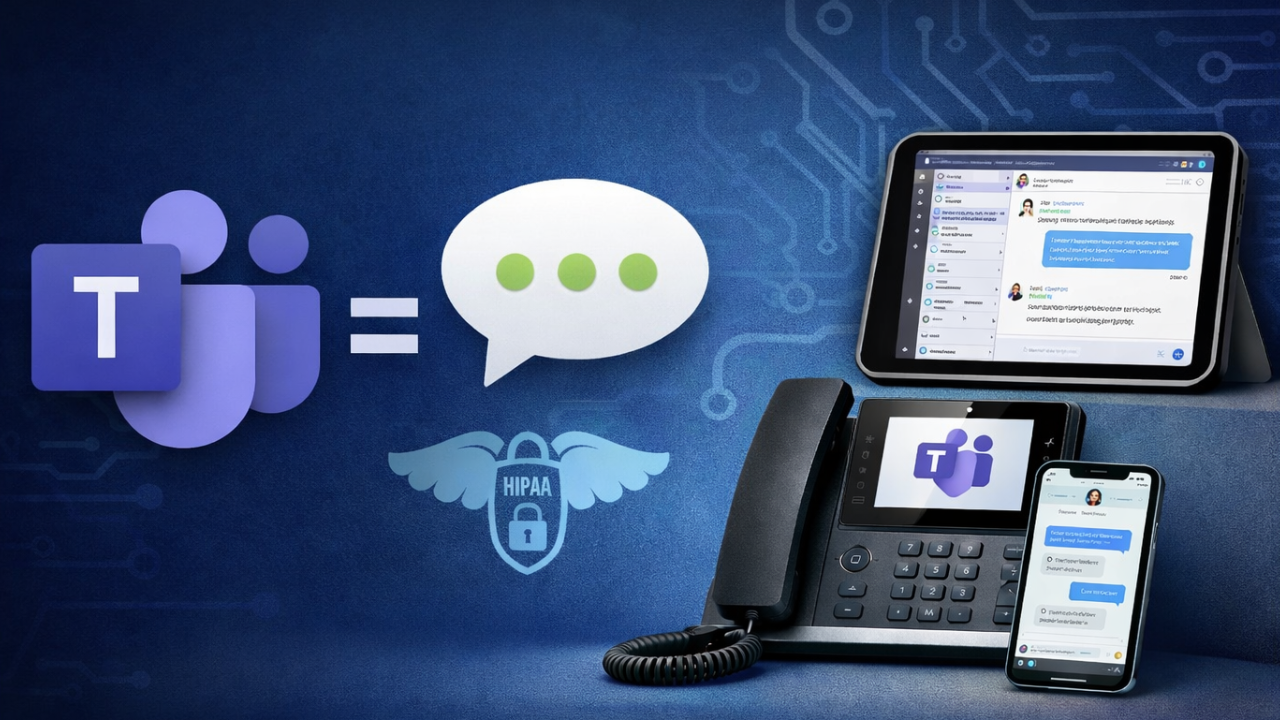
Microsoft Teams Just Added SMS Texting — and It Changes How ABA Practices Should Handle Client Communication
Microsoft has quietly rolled out something many ABA practice owners have been waiting for — even if they didn’t know how to name it yet.
SMS text messaging is now available directly inside Microsoft Teams Phones.
That means ABA organizations using Teams for their phone system can now:
- Send and receive text messages from their business phone numbers
- Do it inside the Teams app
- Use any device - computer, iPad, or mobile phone
- Keep communication inside their Microsoft 365 environment
At first glance, this might look like a simple feature update.
It isn’t.
For clinician-led ABA businesses, this is a meaningful shift in how client communication can - and should - be handled moving forward.
Why This Announcement Matters More Than You Think
Most ABA founders don’t struggle because they chose “bad” tools.
They struggle because tools were added one at a time, under pressure, without a long-term infrastructure plan.
Email came first.
Then shared drives.
Then texting families “just for convenience.”
Then another messaging tool.
Then another workaround.
None of these decisions felt dangerous.
Most of them felt necessary.
But over time, communication drifted outside the systems designed to protect it.
And communication is where ABA practices carry some of their highest risk.
The Quiet Reality: How Most ABA Practices Text Families Today
Let’s be honest about what’s common:
- Owners texting families from personal cell phones
- Staff using their own devices to communicate schedule changes
- Conversations scattered across multiple devices/platforms
- No central record of communication
- No clean way to remove access when staff leave
- No easy way to maintain continuity
This isn’t negligence.
It’s what happens when systems don’t align with reality.
Families expect texting.
ABA staff need flexibility.
Founders don’t have time to duct-tape solutions forever.
Until now, most clinics had two choices:
- Keep using personal phones and accept the risk
- Add a third-party texting platform that lives outside core systems
Neither option was great.
What Microsoft Teams SMS Actually Changes
With the new SMS feature in Microsoft Teams Phones:
- Text messages are tied to business phone numbers, not personal devices
- Messages live inside Teams conversations
- Staff can text from any approved device
- Communication stays inside the Microsoft 365 tenant
- Identity, access, and continuity are managed centrally
This is not just texting “inside an app.”
This is texting inside your infrastructure.
And that distinction matters — especially in ABA.
Why ABA Practices Are Uniquely Impacted by This Update
ABA organizations deal with:
- Protected Health Information (PHI)
- High staff turnover
- Remote and hybrid work
- Emotionally charged client communication
- Audit and payer scrutiny
- Owner-led operations with limited margin for error
When texting lives outside your systems:
- Owners absorb the risk personally
- Staff transitions become dangerous
- Communication history disappears
- Boundaries erode quietly
- Audits become stressful
When texting lives inside Microsoft 365:
- Access is controlled
- Continuity is preserved
- Communication is centralized
- Risk is reduced
- Leadership load decreases
The Teams SMS feature doesn’t magically make you compliant.
But it makes responsible communication possible.
This Is Where Microsoft 365 and Google Workspace Diverge
This announcement is also a perfect example of why Microsoft 365 and Google Workspace are fundamentally different platforms for ABA businesses.
As we explain in
“Google Workspace vs Microsoft 365 for ABA”
(https://ebcba.abaimpact.com/blog/google-workspace-vs-microsoft-365-for-aba)
This is not a features debate.
It’s a control vs convenience decision.
Google Workspace is optimized for:
- Ease of use
- Collaboration
- Speed
- Simplicity
Microsoft 365 is designed for:
- Identity control
- Access enforcement
- Risk containment
- Audit readiness
- Organizational scale
Google Workspace does not natively integrate:
- calling
- SMS
- identity enforcement
- device management
- retention policies
- communication continuity
Microsoft 365 does — by design.
The Teams SMS rollout reinforces that Microsoft is building an operating system for organizations, not just tools.
Why Third-Party Texting Tools Fall Short Long-Term
Many ABA clinics currently use third-party texting platforms.
They usually:
- solve one narrow problem
- add another login
- live outside identity controls
- don’t integrate with device policies
- require manual oversight
- create another system to manage
Over time, these tools increase:
- cognitive load
- administrative overhead
- risk during staff changes
- fragmentation
Teams SMS doesn’t eliminate every need for third-party tools, but it removes one of the biggest reasons clinics adopted them in the first place.
That’s significant.
Microsoft 365 is not just where work happens — it’s where risk is managed.
When communication, identity, devices, and access all live in one ecosystem:
- fewer things depend on memory
- fewer decisions escalate to owners
- fewer emergencies occur during transitions
- fewer shortcuts become permanent risks
Teams SMS matters because of where it lives, not just what it does.
Why This Is Especially Important for Early-Stage ABA Practices
If you’re:
- just launching
- under 20 staff
- still building systems
- planning to scale
This is one of those “early decisions that save you later” moments.
The fewer:
- phone numbers
- users
- devices
- habits
…the easier it is to:
- implement Teams Phones correctly
- enable SMS properly
- train staff once
- set expectations early
- avoid painful migrations later
Many founders wait too long to fix communication systems because:
“It works for now.”
But communication is one of the hardest things to unwind once it’s messy.
This Isn’t an IT Decision — It’s a Leadership Decision
Owners often frame this as:
“We’ll deal with IT later.”
But this isn’t about IT.
It’s about:
- where PHI lives
- how boundaries are enforced
- whether systems hold when people leave
- how much risk leadership absorbs personally
- whether growth adds chaos or stability
Choosing Microsoft 365 as your backbone and using features like Teams SMS intentionally is a capacity decision.
It determines how much the business can hold without breaking you.
What This Means for Clinics Already on Google Workspace
This announcement isn’t about shaming past decisions.
Many ABA practices started on Google Workspace because:
- it was familiar
- it was fast
- it was accessible
- it worked early on
But as practices mature, the needs change.
This Teams SMS release is one more signal that:
- Google Workspace is not built to be an operational backbone
- Microsoft 365 is
The question becomes:
“At what point does convenience stop serving us?”
For many clinics, that point is right when communication volume increases.
How This Supports Ethical, Sustainable ABA Practice Growth
ABA founders care deeply about:
- families
- staff
- ethical boundaries
- doing the right thing
But ethics without systems relies on exhaustion.
Microsoft 365 allows ethics to be supported by structure, not willpower.
Teams SMS helps:
- keep PHI conversations contained
- protect staff from boundary creep
- reduce owner exposure
- support continuity during turnover
- make audits less stressful
This isn’t about perfection.
It’s about reasonable, defensible systems.
This Isn’t Just a Google vs Microsoft Debate — It’s About Who’s Really in Control
This article isn’t asking:
“Do you like Microsoft better than Google?”
It’s asking:
“Do you want your communication system to be part of your infrastructure — or outside it?”
Microsoft Teams SMS makes that decision clearer than it’s ever been.
For ABA practices that want:
- clarity
- control
- scalability
- reduced risk
- less owner strain
Microsoft 365 isn’t just an option anymore.
It’s the platform that matches the reality of the work.
Before You Change Anything: Start Here (Free, Guided, and Low-Risk)
If reading this article made you realize, “We don’t actually have control over our systems,” pause before you start changing tools on your own.
The biggest mistakes we see founders make happen after this realization — when pressure pushes them into rushed migrations, half-configured systems, or DIY fixes that create more risk than they remove.
That’s exactly why we built the eBCBA Blueprint™: Foundation Course — completely free. This course will walk you through, step by step, to setup your M365 tenant if you haven’t already.
This is where we help founders build clarity before pressure forces rushed decisions.
👉 Free Foundation Course:
https://ebcba.abaimpact.com/ebcba-blueprint-foundation
What the Free Foundation Path also includes
The Foundation Course walks you through:
- Mission, vision, and primary aim
(so your systems actually support how you want to operate) - Financial clarity and survivability
(because tech decisions without cash-flow awareness create hidden risk) - Systems and decision structure
(what must be centralized vs delegated — and why) - Secure email and foundational tech setup
Including a step-by-step walkthrough for properly setting up Microsoft 365 - An AI executive assistant
Designed to reduce decision load and owner overwhelm — not add more tools
You also gain access to our free weekly ABA Founders call every Thursday, where owners ask real questions and hear how others are navigating the same challenges in real time.
About migrations (read this carefully)
For founders with fewer than 5 users, we can often walk you through a manual Microsoft 365 migration at no cost after you’ve completed the Foundation setup.
However, it’s important to be clear and transparent:
- Manual migrations always carry some risk of data loss
- This option is intended only for founders who have NOT stored or transmitted PHI
- If PHI exists or you have more then 5 users, manual migration is done at your own risk
For organizations handling PHI or with complex data environments, we offer official, professional migrations designed to prevent data loss, but those services are not free and should be treated as a protected operational investment, not a shortcut.
The Foundation Course helps you understand which path is appropriate before anything is moved.
Once you’ve created your M365 tenant, you can schedule the free manual migration here: https://meetings.hubspot.com/derreck-ogden/google-workspace-to-m365-manual-transition
Why we start here
This isn’t about selling software.
It’s about sequencing decisions correctly.
Founders don’t get into trouble because they choose the “wrong” tool.
They get into trouble because they change systems under pressure, without orientation.
The Foundation Path exists to make sure your next step is calm, informed, and reversible — not reactive.
This Is a Quiet but Important Shift
Big changes in ABA infrastructure rarely arrive with fanfare.
They arrive as:
- small features
- quiet updates
- subtle capability shifts
And then, years later, owners say:
“I wish we’d done that earlier.”
Teams SMS is one of those moments.
It’s not flashy.
It’s not trendy.
But it solves a real problem — in the place it actually needs to be solved.
And that’s what mature systems do.
If this article surfaced gaps in control, the free Foundation Course is where we help founders fix them without rushing.
No repetition. No urgency. Just reinforcement.
Click here to join the eBCBA™ Odyssey and reclaim your role as the visionary leader you’re meant to be.
Stay connected with news and updates!
Join our mailing list to receive the latest news and updates from our team.
Don't worry, your information will not be shared.
We hate SPAM. We will never sell your information, for any reason.